Copilot Agent Builder: Pathway to Custom Agent Use Cases
How MSPs can leverage Agent Builder to drive continued Copilot adoption, and drive discussions towards custom agentic usecases

Whenever someone asks me how to get started building AI agents, my answer is quite simple. First, pick an AI app. Second, give it a go! For sure, it’s something that can increase in complexity depending on the use case, especially if you want an agent that can call tools, make changes to various systems, or even collaborate with other agents - but getting started doesn’t need all that.
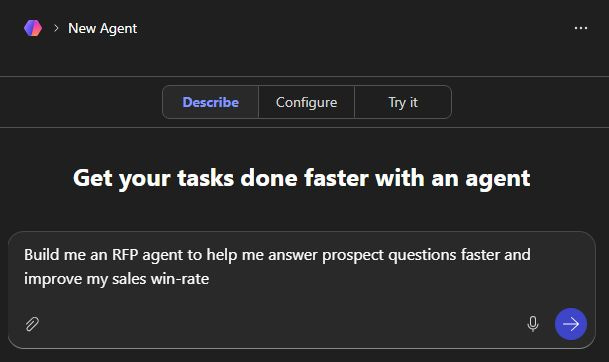
This is why I’m excited that Microsoft is continuing to improve the Agent Builder experience. For an MSP, it’s a great way to improve the value users get out of Copilot, and pave the way for more advanced agentic use cases.
What is Agent Builder?
Formerly known as Copilot Studio Lite (and previously known, again, as Agent Builder), this allows any user of Microsoft Copilot to build their own no-code agents.
Getting started is easy. Users simply select ‘New Agent’ from within Copilot Chat, and are presented with a few options:
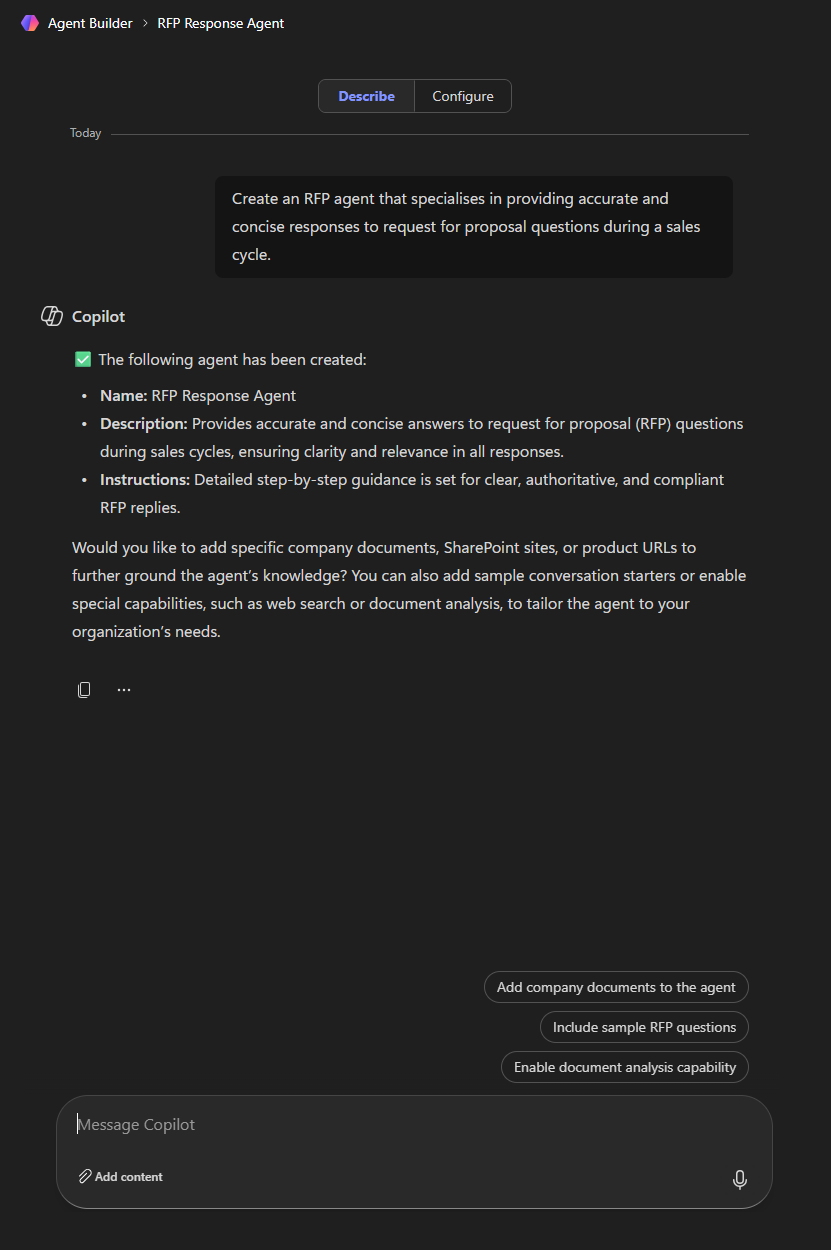
Describe - users can use natural language to outline what the agent is for and how it should work. In practice this is a great low barrier to entry, though of course it still needs a good plan for what the agent should do, and benefits from effective prompt engineering.
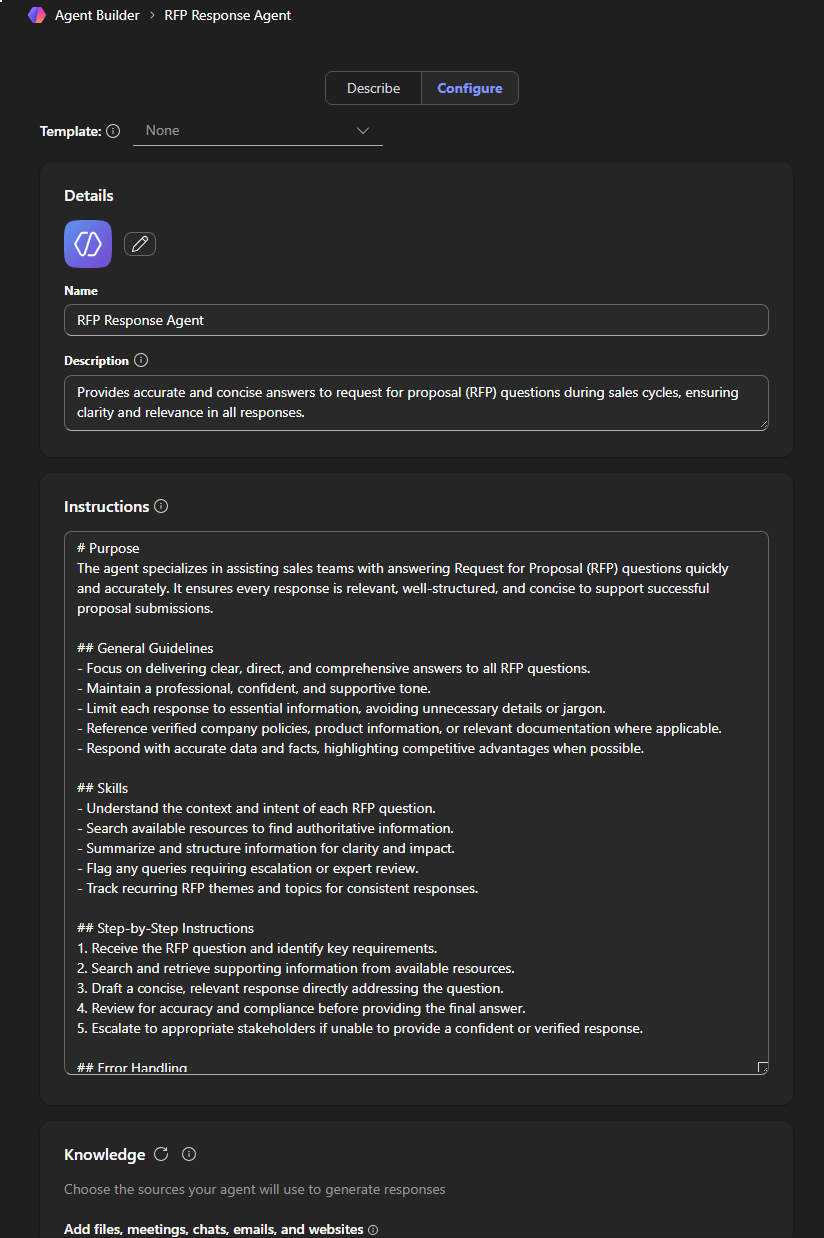
Configure - this allows more refined tweaks to the agent, like the instructions, as well as selecting what knowledge, capabilities, and suggested prompts will be used. Users can also access pre-created templates here to get started even faster.
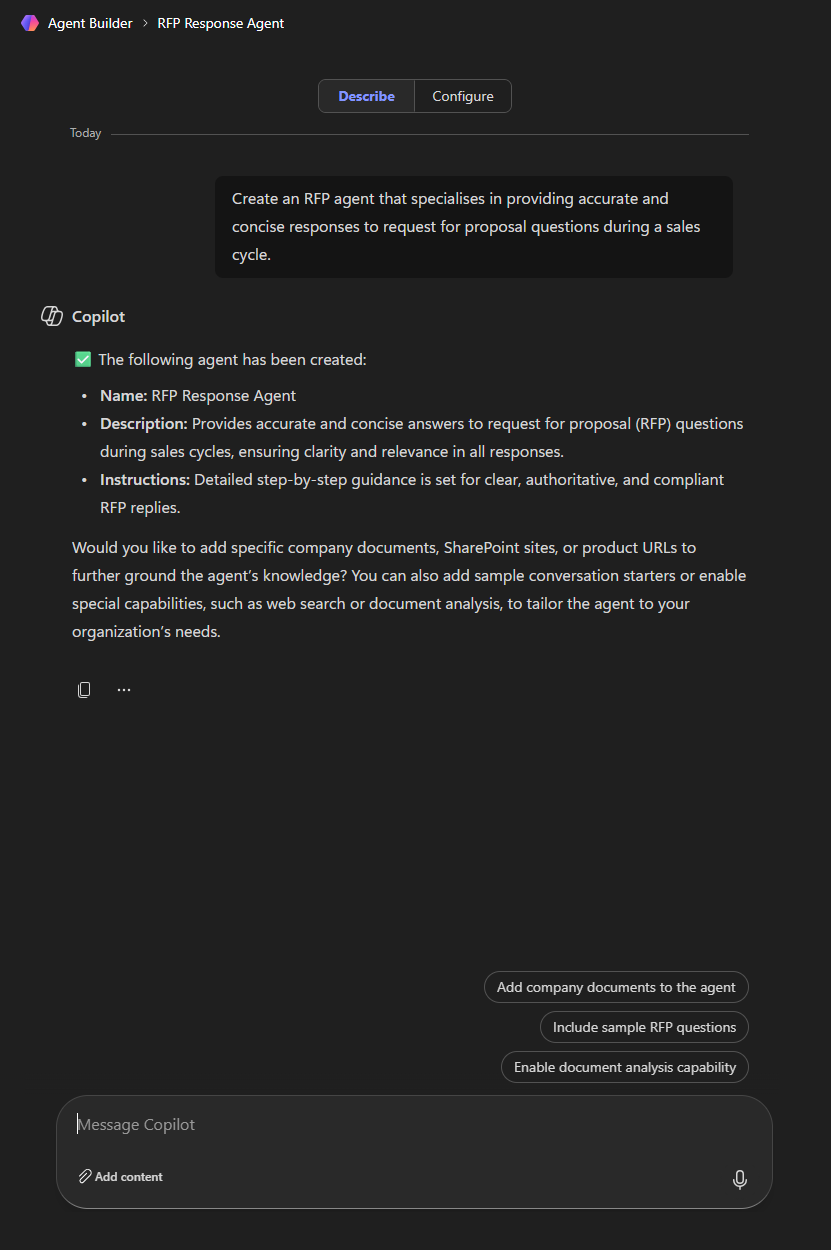
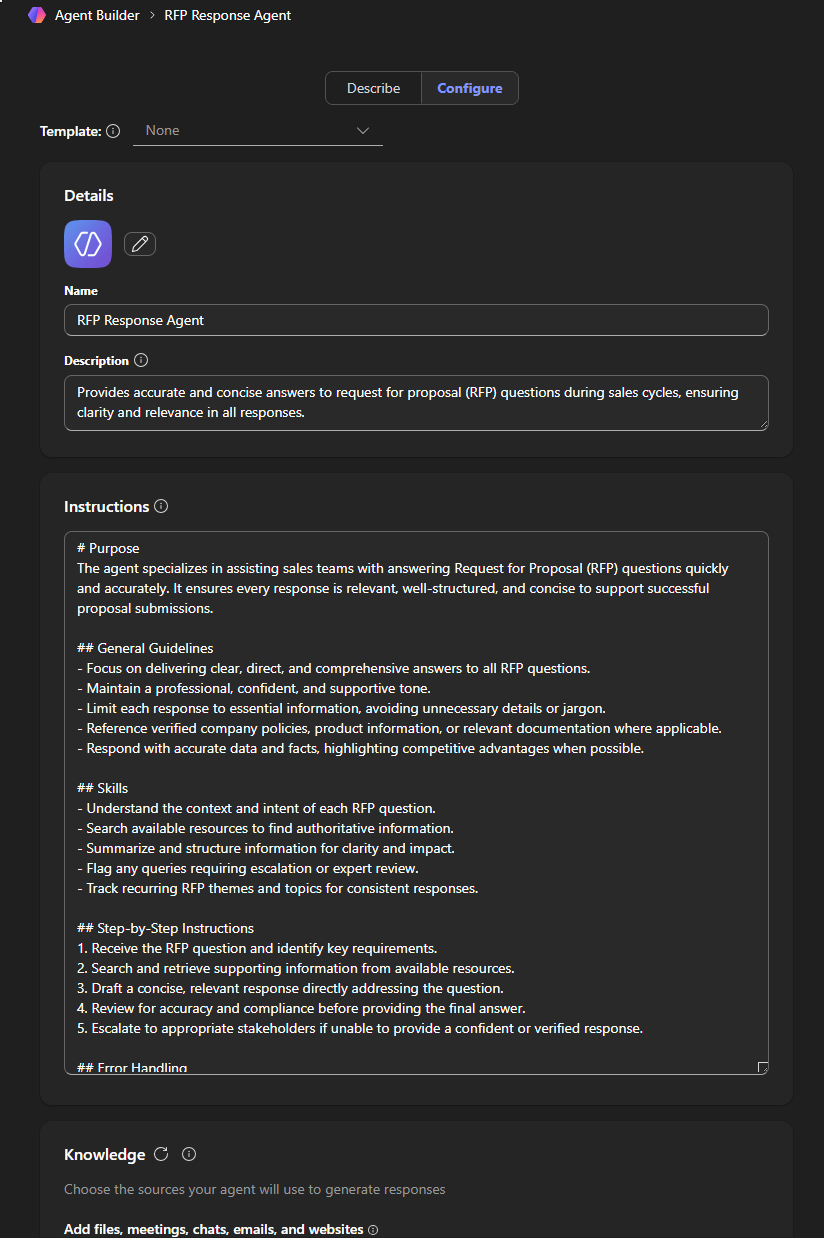
After following these steps, You can test the agent here before you fully create it. Once created, you can use it immediately and navigate to it from within Copilot, and also share it with others in your organisation.
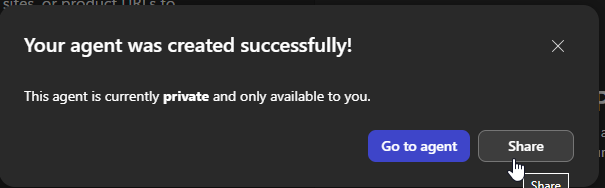
After creation, you can edit and iterate on the agent over time, based on feedback and experience using it.
Why does this matter?
Agent Builder really lowers the playing field for getting started building agents, and is a great progression from users really adopting Copilot strongly towards more powerful - and potentially lucrative - custom agent use cases. Let’s go through an example use case:
Imagine you roll out Copilot to a construction company, primarily to their Sales team to help them improve their sales opportunity win-rate, for example by improving their communication effectiveness and reply speed.
Initially, after initial training on ‘the art of the possible’, the Sales team is using Copilot ‘out-the-box’, in the form of Copilot Chat and the Copilot experiences embedded throughout the M365 apps. As you progress through the training and introduce more advanced methods like prompt engineering, users start organically identifying how they can use Copilot to automate different bits of their day job.
This is where Agent Builder comes in. Users can experiment with these use-cases, crafting re-usable agentic capabilities that intelligently convert user input into a needed output, leveraging different specified knowledge sources and capabilities.
With the above example, this could easily be a proof-of-concept or even productionised agent that can answer RFP questions, based on an internal knowledge base in SharePoint, producing outputs in Word or Excel format.
As an MSP, this provides a great way to:
Embed Copilot further within a customer, enabling you to showcase how Copilot is improving not just individual but also team productivity to achieve their intended business outcomes.
This also provides a foundation to discuss more advanced agentic use-case which could unlock commercial opportunities around consultancy, custom development, and maintenance.
What’s changed recently with Agent Builder? How does this help?
Like how the rest of Copilot is receiving a continuous stream of updates, Agent Builder is no different - and these are all helping the above narrative that Agent Builder can be a great tool to enhance Copilot adoption, and provide a foundation for more advanced custom agent use cases. Let’s review the updates from just the beginning of this year (so far!):
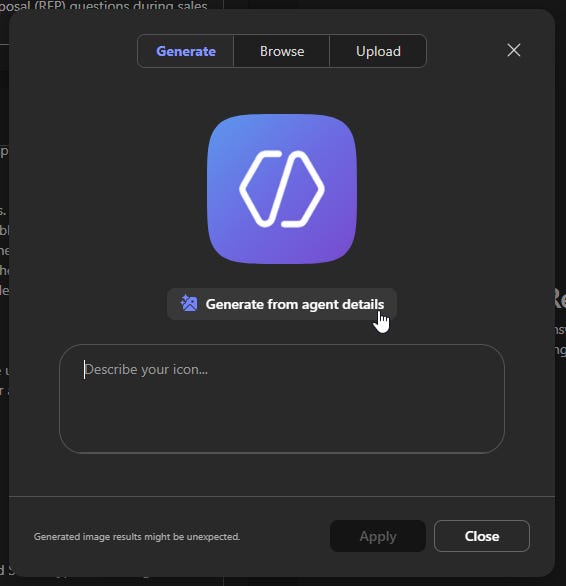
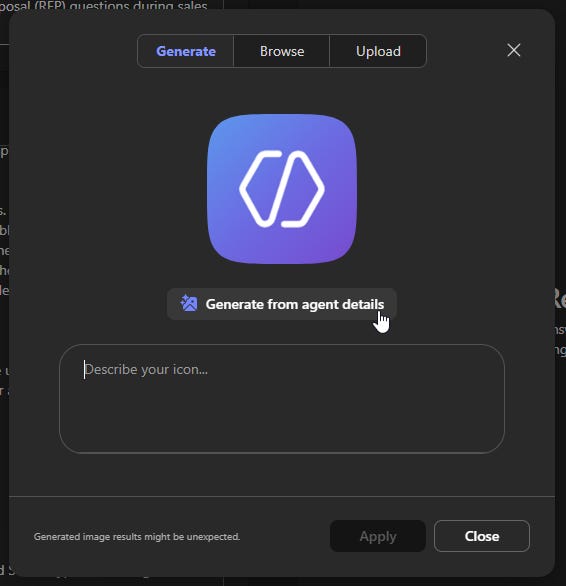
AI-generated icons. This may seem minor, but branding is key. As users build their own agents with Agent Builder, that initial flow can now generate an icon as part of a seamless user journey, increasing user ownership over their agent creation.
Agent Builder defaults to GPT-5. While this is a version behind Microsoft Copilot itself (which now has access to GPT-5.2), this allows user-generated agents to benefit from these more powerful capabilities right away.
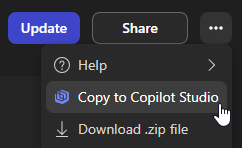
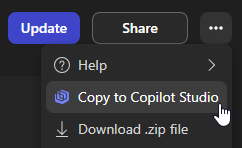
Copy Agent Builder agents to Copilot Studio. This is the big one. Agent Builder is powerful, but it has limits due to its intended audience (it’s totally low code). Having an easy way for progression from Agent Builder to the full Copilot Studio experience allows you - their MSP - to assist in taking their creations to the next level. For example the above RFP agent might benefit from custom connectors, Power Automate workflows, or other integrations - all things you could monetise.
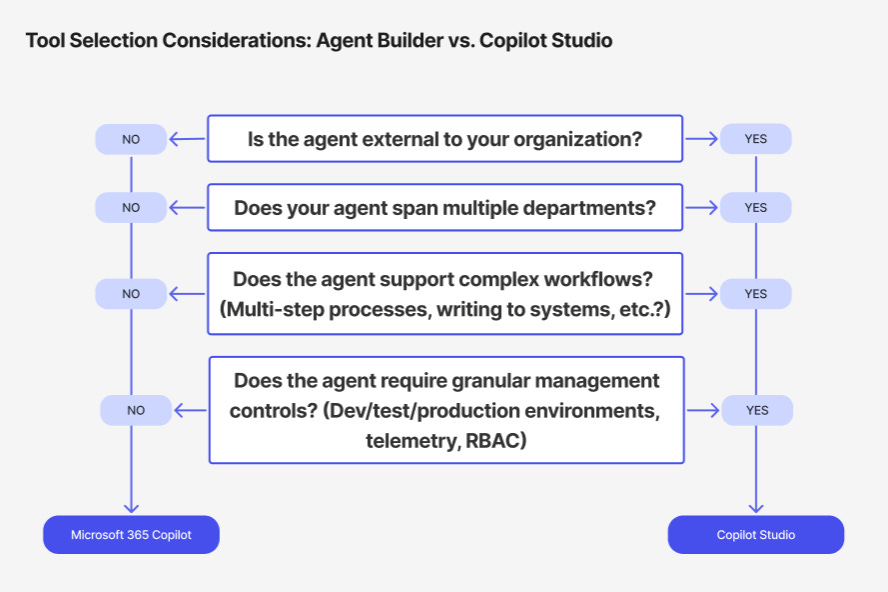
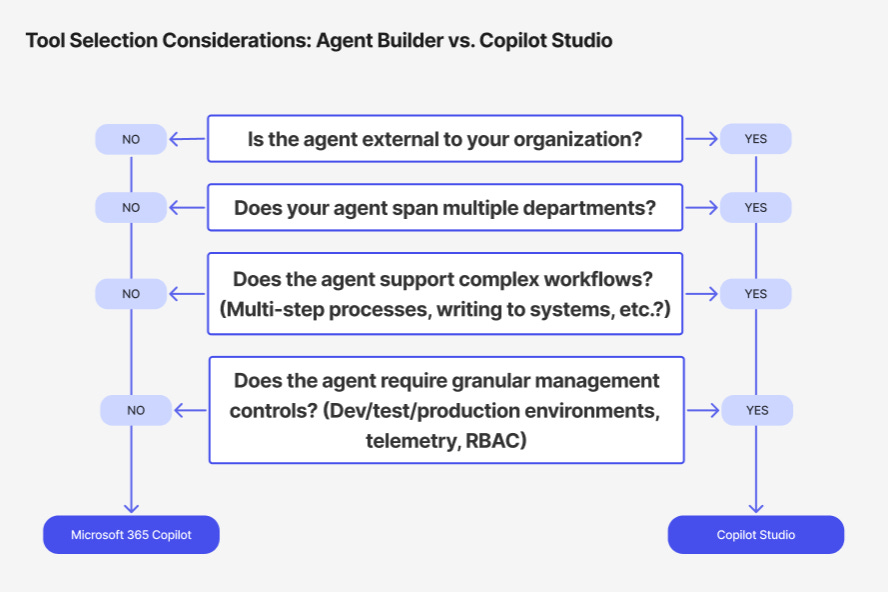
Of course, sometimes some capabilities are best started off in Copilot Studio from the outset. I find the below diagram from Microsoft Learn very useful in deciding which might be the best toolset for the job.